STORE DESIGNS
Shopify themes or WooCommerce templates for an Indian fashion store?
Choose the platform before buying a fashion-store theme. Compare Shopify and WooCommerce templates by mobile fit, product detail and maintenance.
By SellyBee · Published · Updated . This guide is published by SellyBee. Confirm other providers’ current features and terms before purchase.
The short answer
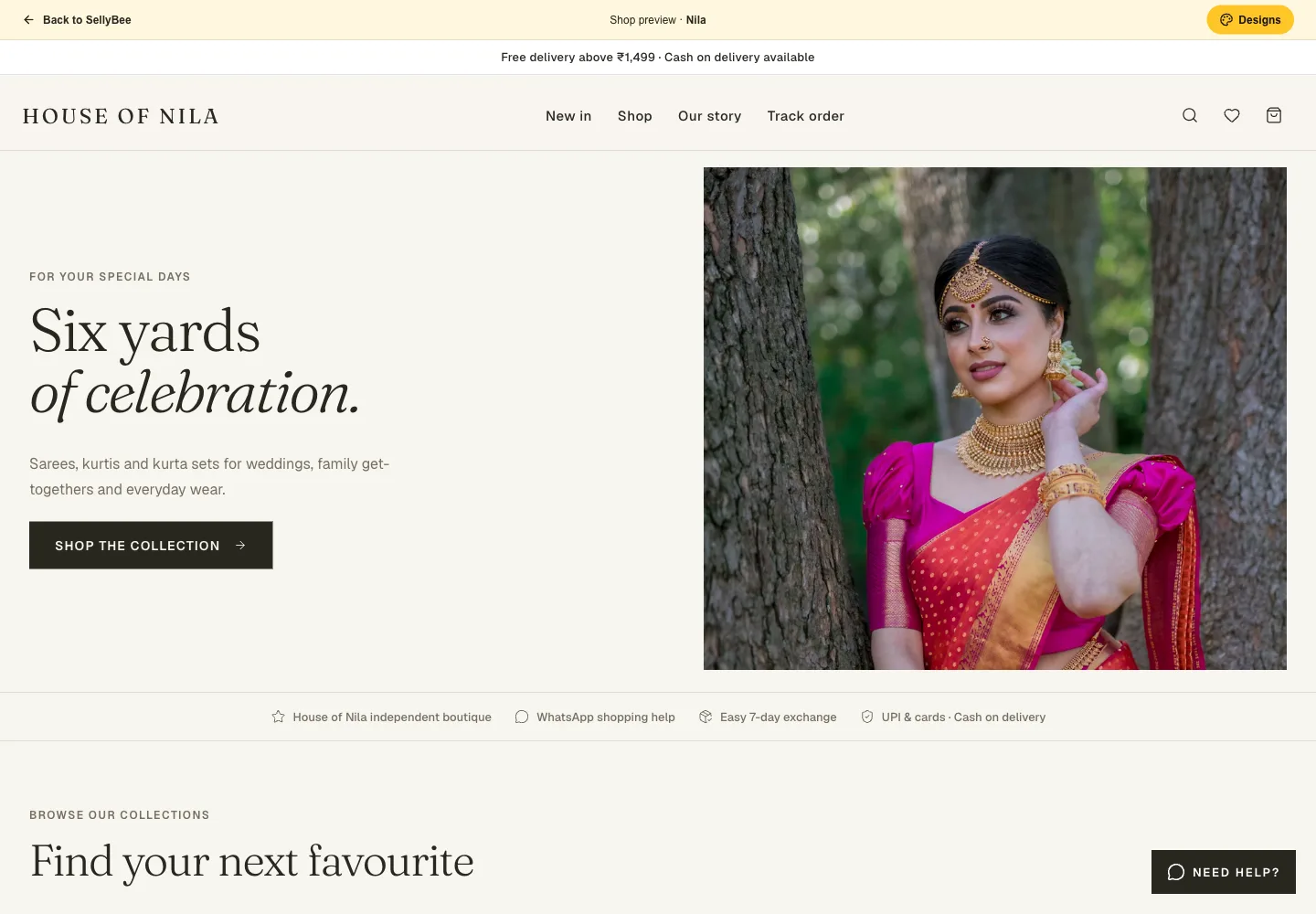
Choose the store platform before buying a theme: a Shopify theme is built for Shopify, while a WooCommerce-compatible theme belongs to a WordPress and WooCommerce setup. Evaluate the total store setup, mobile product pages, required extensions and maintenance. If you prefer an included boutique design, SellyBee has five designs within its store plans.
Buy the complete setup, not just the preview
A theme changes presentation; it does not independently supply your full business operation. Confirm which platform it needs, what functionality comes from extensions and who handles updates and support.
Both Shopify and WooCommerce offer official theme catalogues. Use the live theme details to review compatibility, support and what is included. Avoid choosing an unmaintained template because its demonstration photography looks good.
Use a fashion-specific preview checklist
Test a saree, a fitted dress and a multi-piece outfit using representative content. Make sure photos, long descriptions, included components and size selection remain easy to understand on a phone.
- Can you read fabric and fit information without losing the buying controls?
- Do garment images stay useful on a narrow screen?
- Are unavailable sizes clearly handled?
- Can shoppers understand delivery and exchange conditions?
- Are the required features included, or dependent on separate apps?
Include the cost of keeping the shop usable
Calculate the theme, subscription or hosting, extensions, support and payment fees together. A free theme may be sufficient if it supports the buying journey you need; a premium design is not a guarantee of traffic or sales.
SellyBee includes its five boutique designs in the current plans rather than selling a separate theme licence. You can preview them, add your own products and change the design later. Compare that approach with your customisation requirements before committing.
Provider documentation
Sources reviewed for this guide. Features, prices, eligibility and promotions can change; verify the live terms for your business.
Questions before you start
Can a Shopify theme be installed on WooCommerce?
Not as a normal interchangeable theme. Choose a theme designed for the platform you will operate.
Do SellyBee designs require a separate theme purchase?
The five current shop designs are included with SellyBee’s store plans. You can explore them during the 14-day trial.