INSTAGRAM AND WHATSAPP
How to sell from Instagram using your own online boutique store
Connect your Instagram posts to a useful boutique storefront: prepare your catalogue, share a shop link, check mobile ordering and keep product stock accurate.
By SellyBee · Published · Updated . This guide is published by SellyBee. Confirm other providers’ current features and terms before purchase.
The short answer
Use Instagram for discovery and a dedicated shop for product details and ordering. Prepare an accurate collection, add your storefront link to your profile and show customers where to find the pieces in your posts. With SellyBee, customers open your shop, choose a product and size, and place an order there. This is link sharing, not native Instagram Shopping.
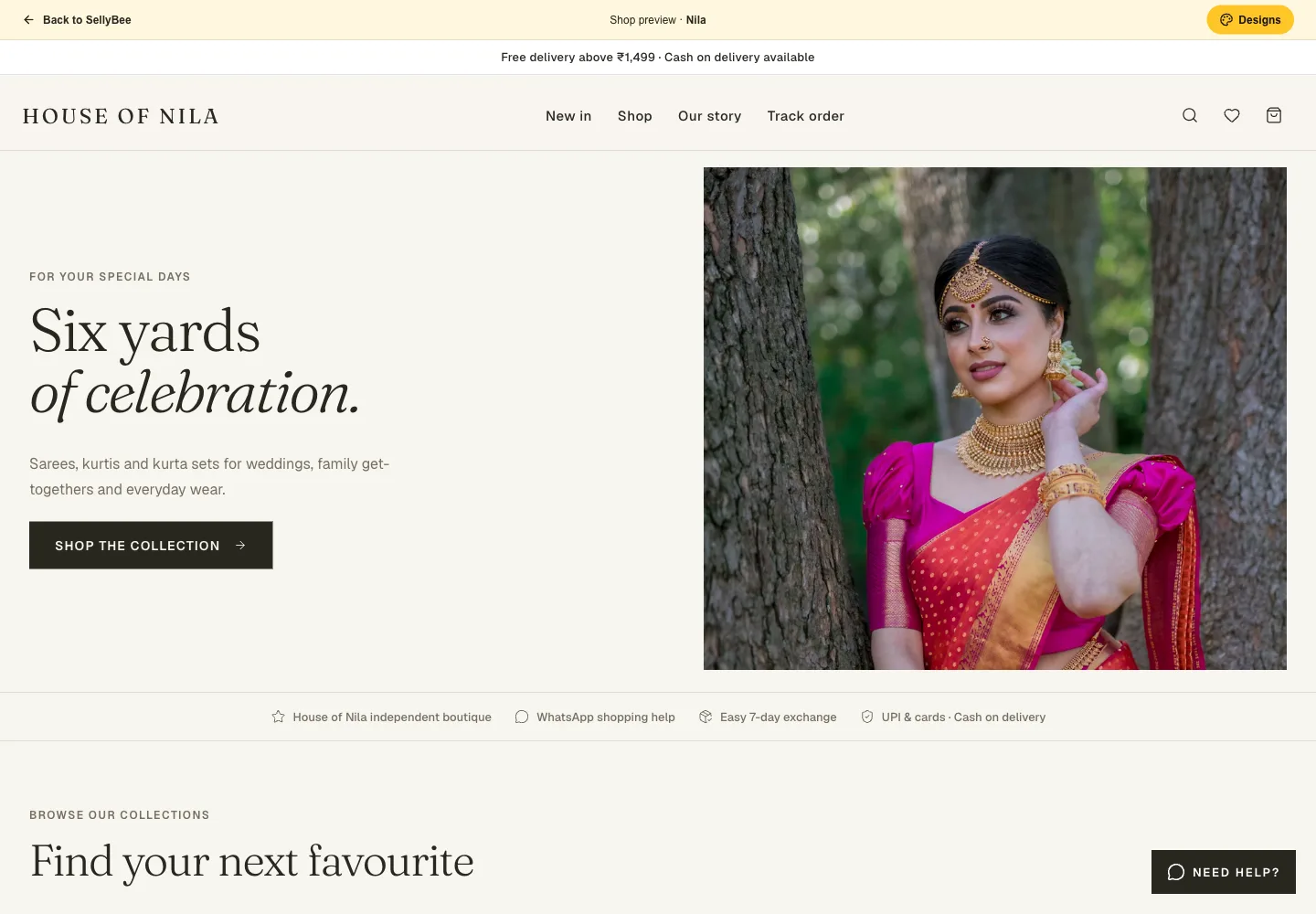
Give the customer a clear route from post to product
A post may show an outfit beautifully while leaving price, measurements or included pieces unanswered. Put those details on the product page. Use the same recognisable name in the post and the shop so the customer knows they found the right item.
For a small launch collection, a simple path works well: collection post → shop link → product → available size → checkout. Test every step on a phone before you publish the post. Avoid sending people to a storefront filled with unavailable items.
Prepare the storefront before sharing it
Add your own photographs and explain the product in terms a shopper can use: fabric information you can verify, garment measurements, colour, care, included pieces and price. State your shipping and exchange conditions clearly.
In SellyBee, choose a design and add your products with sizes and stock. Connect your seller-owned Razorpay account for available online payment methods, and decide whether to offer COD. Do not advertise a payment option before checking it in your actual checkout.
- The advertised product is easy to find.
- Its price and available sizes are visible.
- Photographs and descriptions match the post.
- Delivery and exchange information is available.
- The checkout shows the intended payment methods.
Share the link where customers already follow you
Copy your store link from the seller dashboard. Add it to the links area of your Instagram profile, and use your posts and stories to explain which collection is available. Profile controls can change, so check your current Instagram interface when editing the link.
You can also share the shop through WhatsApp with customers who want your updates. Give the message useful context: the collection name, the products it includes and where to find size details. A store link helps people browse without relying on an old catalogue screenshot.
Keep chat sales and online stock in agreement
You may still receive orders directly in messages or sell pieces in a physical shop. Update online quantities after those sales. If the last M size is reserved in chat, do not leave it advertised as available online.
Use the dashboard to review orders placed through the shop and keep their packing and dispatch status accurate. SellyBee’s current workflow does not automatically import Instagram messages, synchronise a Meta catalogue or combine orders from every marketplace.
Measure useful visits and completed shops separately
A social post’s reach, visits to a shop and completed customer orders are different measures. Review where people stop in the buying journey and improve the missing product information or unclear next step.
If you use campaign links, give them short labels that describe the source and collection. Never put a customer’s email, telephone number or other personal details into a campaign URL. Share products and collections for their usefulness rather than repeatedly posting the same link in unrelated conversations.
Provider documentation
Sources reviewed for this guide. Features, prices, eligibility and promotions can change; verify the live terms for your business.
Questions before you start
Does adding a shop link enable Instagram Shopping?
No. A shop link opens your own storefront. Native Instagram Shopping, product tagging and Meta catalogue synchronisation have separate requirements and are not promised by SellyBee’s link-sharing feature.
Can customers pay with UPI after opening the link?
They can use the methods enabled at your shop checkout. In SellyBee, online payments use your own connected Razorpay account, subject to its activation and enabled methods.
Can I share the same store through WhatsApp?
Yes. Share your store link with interested customers on WhatsApp. Keep the shop’s product information and stock current.